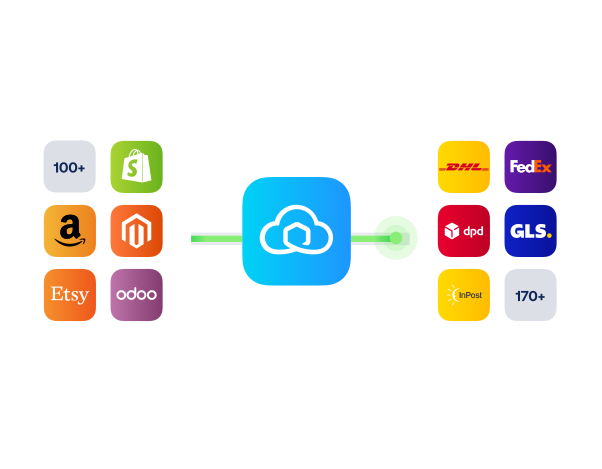
Webador shipping integration for smarter fulfilment

Connect Webador with Sendcloud to simplify everyday shipping: create labels in a click, sync orders automatically, and deliver with confidence as you grow.

100+ integrations available

Discounted shipping rates

Cancel anytime

4.6 Shopify App Store

4.6 G2

4.3 Trustpilot

Why Webador merchants choose Sendcloud

Smart shipping with Webador

Running a growing Webador shop often means copying order info and juggling shipping by hand. Connect to Sendcloud to create labels from Webador, see courier status on orders, and work from one dashboard.

Create shipping labels directly in Webador

Track courier status in your order overview

Orders available straight in your Sendcloud dashboard
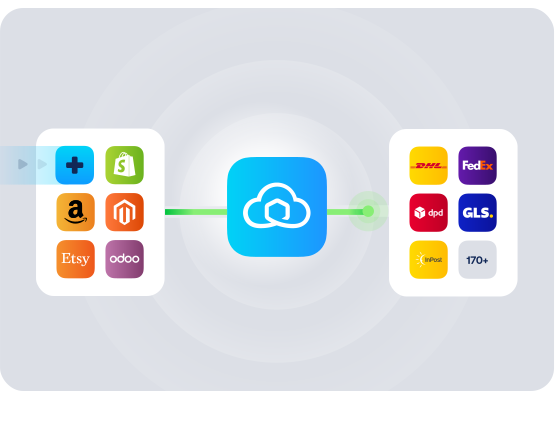
HOW TO CONNECT

A simple 3-step flow:

Run your shipping operations from one place.
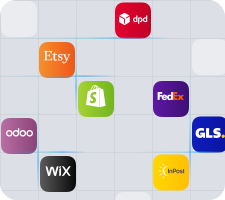
Connect your platforms and systems
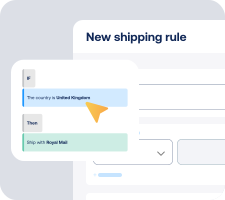
Choose couriers and automate shipping rules

Manage shipping, tracking, and returns in one platform

Get the most out of Webador with Sendcloud

Grow your business

Scale your Webador store without adding fulfilment overhead.

Ship more efficiently

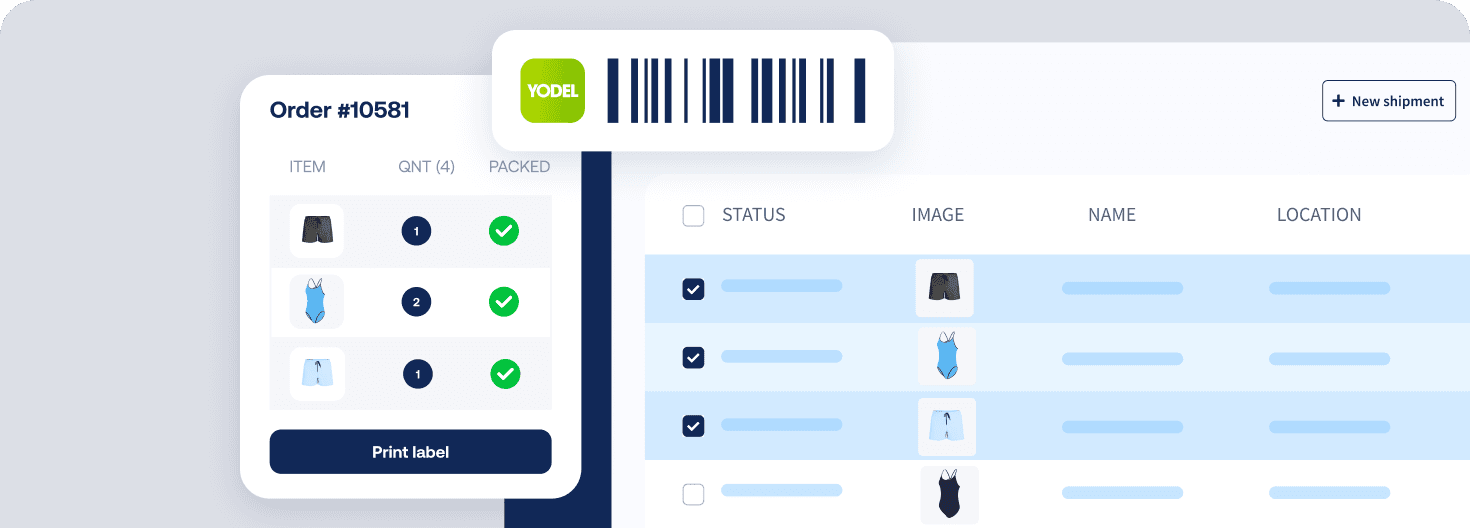
Print labels from Webador and keep orders moving efficiently.
Deliver great experiences

Send tracking confirmations automatically for peace of mind.

Resolve shipping issues faster

Check courier status on orders and resolve delivery questions fast.

WHAT OUR CUSTOMERS SAY

From hours to seconds

“Before Sendcloud, we used to waste hours each week manually typing in orders. Now, we can match up the order sheet with the labels in seconds.”

50%

faster order processing

90%

reduction in shipping errors

MULTI-CARRIER STRATEGY

Webador shipping with the couriers your customers expect

Use multiple couriers via Sendcloud to stay flexible, pick the best service per parcel, and keep orders moving if one network slows down, all from your Webador setup.


How do I connect Webador to Sendcloud and how long does it take?

It only takes a few minutes and no developer is needed. In Webador, go to Webshop > Settings > Print your own shipping labels, click More information, then Connect with Sendcloud. Authorise the connection, then return to the Shipping page in Webador and click Check link to finish.

For a quick walkthrough, see the Sendcloud Webador integration guide. If you prefer Webador’s own steps, see how to print shipping labels with Webador.

What features are supported with Sendcloud's Webador integration?

When you connect order data via the Webador shipping integration, you can handle shipping from one place without extra manual work.

  • Print shipping labels directly in Webador

  • Orders appear immediately in your Sendcloud dashboard for further handling

  • Choose the shipping method when you print

  • Automatic order status update in Webador when a label is created

  • Shipping confirmation email with a tracking link sent to your customer

  • See courier status in your Webador order overview

  • Option to print new orders directly in Sendcloud, if that suits your workflow

Do I need a specific plan to use the Webador shipping integration?

Yes. You can start on the Sendcloud Free plan. On the Webador side, you need Webador Pro or higher to print your own labels. The integration is available in the UK and other supported regions, and Webador is available in multiple languages, including English.

Will my customers get tracking and status updates automatically?

Yes. When you print a shipping label, Webador automatically updates the order status and sends a shipping confirmation email with a track and trace link to your customer. You can also see courier status on the order overview in Webador.

Can I keep using my Webador workflow if we grow, or do we have to switch tools?

You can keep your current flow and stay flexible. Print labels directly in Webador or create labels in Sendcloud for new orders. Because orders are immediately available in the Sendcloud dashboard, you can choose the workflow that suits your team today and adapt as volume increases.

Are there any extra costs or commitments when I create labels?

When you click Print shipping label in Webador, the label is created in Sendcloud and may incur costs. You can start on the Sendcloud Free plan, and Webador requires Webador Pro or higher for label printing. As with other Webador integrations, you connect via a simple authorisation flow and can manage your usage as needed.

How do I connect Webador to Sendcloud and how long does it take?

It only takes a few minutes and no developer is needed. In Webador, go to Webshop > Settings > Print your own shipping labels, click More information, then Connect with Sendcloud. Authorise the connection, then return to the Shipping page in Webador and click Check link to finish.

For a quick walkthrough, see the Sendcloud Webador integration guide. If you prefer Webador’s own steps, see how to print shipping labels with Webador.

What features are supported with Sendcloud's Webador integration?

When you connect order data via the Webador shipping integration, you can handle shipping from one place without extra manual work.

  • Print shipping labels directly in Webador

  • Orders appear immediately in your Sendcloud dashboard for further handling

  • Choose the shipping method when you print

  • Automatic order status update in Webador when a label is created

  • Shipping confirmation email with a tracking link sent to your customer

  • See courier status in your Webador order overview

  • Option to print new orders directly in Sendcloud, if that suits your workflow

Do I need a specific plan to use the Webador shipping integration?

Yes. You can start on the Sendcloud Free plan. On the Webador side, you need Webador Pro or higher to print your own labels. The integration is available in the UK and other supported regions, and Webador is available in multiple languages, including English.

Will my customers get tracking and status updates automatically?

Yes. When you print a shipping label, Webador automatically updates the order status and sends a shipping confirmation email with a track and trace link to your customer. You can also see courier status on the order overview in Webador.

Can I keep using my Webador workflow if we grow, or do we have to switch tools?

You can keep your current flow and stay flexible. Print labels directly in Webador or create labels in Sendcloud for new orders. Because orders are immediately available in the Sendcloud dashboard, you can choose the workflow that suits your team today and adapt as volume increases.

Are there any extra costs or commitments when I create labels?

When you click Print shipping label in Webador, the label is created in Sendcloud and may incur costs. You can start on the Sendcloud Free plan, and Webador requires Webador Pro or higher for label printing. As with other Webador integrations, you connect via a simple authorisation flow and can manage your usage as needed.

How do I connect Webador to Sendcloud and how long does it take?

It only takes a few minutes and no developer is needed. In Webador, go to Webshop > Settings > Print your own shipping labels, click More information, then Connect with Sendcloud. Authorise the connection, then return to the Shipping page in Webador and click Check link to finish.

For a quick walkthrough, see the Sendcloud Webador integration guide. If you prefer Webador’s own steps, see how to print shipping labels with Webador.

What features are supported with Sendcloud's Webador integration?

When you connect order data via the Webador shipping integration, you can handle shipping from one place without extra manual work.

  • Print shipping labels directly in Webador

  • Orders appear immediately in your Sendcloud dashboard for further handling

  • Choose the shipping method when you print

  • Automatic order status update in Webador when a label is created

  • Shipping confirmation email with a tracking link sent to your customer

  • See courier status in your Webador order overview

  • Option to print new orders directly in Sendcloud, if that suits your workflow

Do I need a specific plan to use the Webador shipping integration?

Yes. You can start on the Sendcloud Free plan. On the Webador side, you need Webador Pro or higher to print your own labels. The integration is available in the UK and other supported regions, and Webador is available in multiple languages, including English.

Will my customers get tracking and status updates automatically?

Yes. When you print a shipping label, Webador automatically updates the order status and sends a shipping confirmation email with a track and trace link to your customer. You can also see courier status on the order overview in Webador.

Can I keep using my Webador workflow if we grow, or do we have to switch tools?

You can keep your current flow and stay flexible. Print labels directly in Webador or create labels in Sendcloud for new orders. Because orders are immediately available in the Sendcloud dashboard, you can choose the workflow that suits your team today and adapt as volume increases.

Are there any extra costs or commitments when I create labels?

When you click Print shipping label in Webador, the label is created in Sendcloud and may incur costs. You can start on the Sendcloud Free plan, and Webador requires Webador Pro or higher for label printing. As with other Webador integrations, you connect via a simple authorisation flow and can manage your usage as needed.

Get started with the Webador integration and streamline shipping

100+ integrations available

Discounted shipping rates

Cancel anytime

Get started with the Webador integration and streamline shipping

100+ integrations available

Discounted shipping rates

Cancel anytime

Get started with the Webador integration and streamline shipping

100+ integrations available

Discounted shipping rates

Cancel anytime